Sentry Page Protection
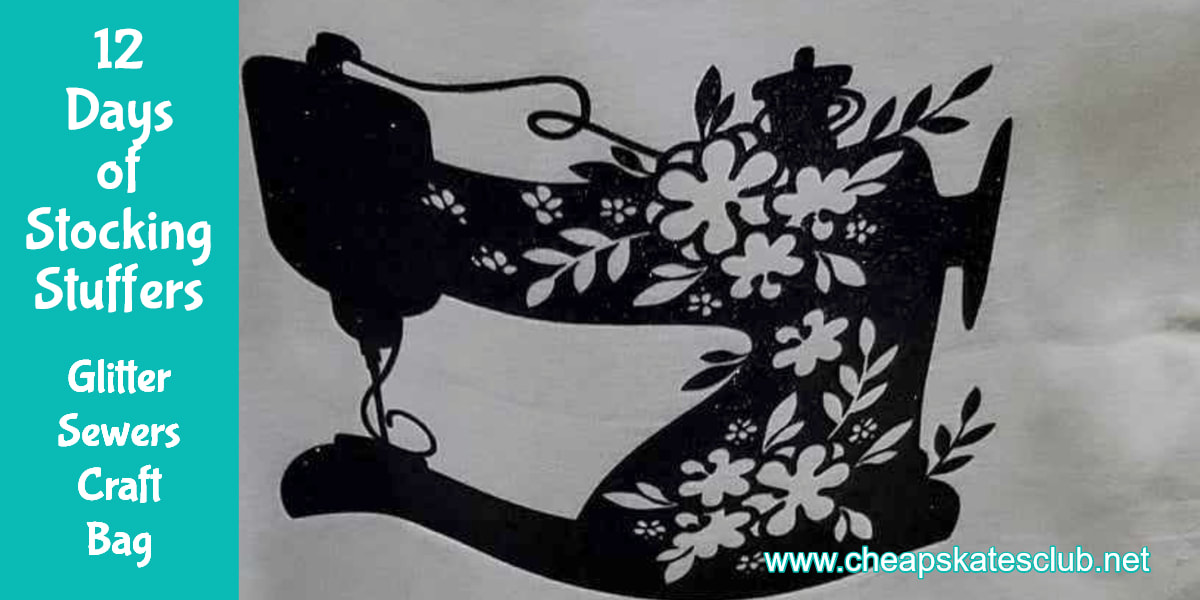
The last in this series is a simple calico bag, embellished with an iron on transfer.
I chose a sewing machine, and black glitter HTV (heat transfer vinyl) as the stocking this is going in belongs to an avid seamstress, who is always looking for fabric and notions when she's shopping.
But really, any design would work - tailor it to suit the recipient.
The calico bag came in a pack of three from a local $2 shop, but I know that Spotlight stores stock them, and if you can wait till a 40% off everything sale, they will be a reasonable price. starting at $2 each.
The sewing machine was cut from a free svg file, downloaded from Creative Fabrica, a wealth of beautiful cutting files, and many of them are a Cheapskater's favourite price - free.
I used black glitter HTV to cut the file, and then ironed it onto the calico bag.
Easy!
I chose a sewing machine, and black glitter HTV (heat transfer vinyl) as the stocking this is going in belongs to an avid seamstress, who is always looking for fabric and notions when she's shopping.
But really, any design would work - tailor it to suit the recipient.
The calico bag came in a pack of three from a local $2 shop, but I know that Spotlight stores stock them, and if you can wait till a 40% off everything sale, they will be a reasonable price. starting at $2 each.
The sewing machine was cut from a free svg file, downloaded from Creative Fabrica, a wealth of beautiful cutting files, and many of them are a Cheapskater's favourite price - free.
I used black glitter HTV to cut the file, and then ironed it onto the calico bag.
Easy!

Now if you don't have a Brother Scan and Cut, or a Cricut, or other file cutting machine, no problem.
Pick your image, then get some iron-on transfer paper. Follow the instructions to print the design on the the transfer paper and then iron the design onto your bag.
You can ge tiron-on transfer paper from Spotlight stores, Officeworks, some $2 shops.
But if you don't want to go to the bother of printing or cutting a file, there are some truly lovely iron-on transfers available, and they are nto expensive.
So there are three ways you can make a decorate tote bag, quickly and no special skills required.
And it will fold up nicely to fit into a Christmas stocking!